Your team misses deadlines because reminders get lost in email threads and chat noise. That is the exact gap AI task automation tools are built to close, and the options have matured enough to make a real difference in daily workflow. You need a tool that fits how your team already communicates, not another dashboard to check.
By the end of this article, you will know which features matter most when comparing smart reminder tools, how each of the six options handles task creation and follow-ups, and which platform earns the top spot for WhatsApp-native teams. We will walk through pricing, automation limits, and practical use cases so you can make a confident choice without a trial-and-error period.
What to Look For in AI Task Automation Tools for Smart Reminders
When evaluating AI task automation tools for smart reminders, focus on core features like natural language processing, integration capabilities, and automation depth to ensure the tool fits your team's workflow. The right choice depends on how your team captures tasks, where they communicate, and how much manual setup you want to eliminate.
Natural language processing is the first thing to test. The best AI reminders should understand plain phrases like "remind me to send the invoice Tuesday at 3 PM" and convert them into structured tasks. Try creating a voice note task or typing a messy sentence with a date, time, and priority level to see if the tool parses it correctly.
Smart reminder capabilities go beyond basic alerts. Look for context-aware alerts that consider location, time zones, or your current workload. Predictive reminders that suggest when to start a task based on your calendar are a strong sign of a mature AI assistant, not just a simple alarm system.
Integration with existing platforms matters more than most buyers expect. Your team likely lives in tools like Slack, WhatsApp, or email, so the automation tool should connect with those channels. Test whether you can create a task directly from a chat message or forward an email to generate a smart notification without switching apps.
Automation depth determines long-term value. Recurring reminders are table stakes, but look for reminder triggers and workflow automation that chain multiple actions together. For example, a completed task should be able to trigger a follow-up reminder or update a project status automatically.
Consider these criteria when comparing options:
- Ease of use: Can a non-technical teammate set up a workflow in under five minutes?
- Scalability: Does the tool handle growing task volumes without cluttering your smart to-do lists?
- Pricing model: Are costs predictable as your team size changes?
- Task prioritization: Does the AI ranking help surface urgent items or just list everything equally?
- Calendar integration: Can it read your existing schedule for intelligent scheduling and deadline management?
Test each tool with a real scenario before committing. Create a recurring reminder for a weekly report, set a context-aware alert for a location-based errand, and try connecting the tool to your primary communication platform. These quick tests reveal whether the AI reminders deliver proactive value or just duplicate what your calendar already does.
Finally, examine how the tool handles task tracking and automated notifications. The goal is to reduce cognitive load, not add another dashboard to check. A good system should push smart alerts to you at the right moment, rather than requiring you to open the app repeatedly. Time management improves when the AI scheduling handles the "when" so you can focus on the "what."
1. Tasks.Bot - Best Overall
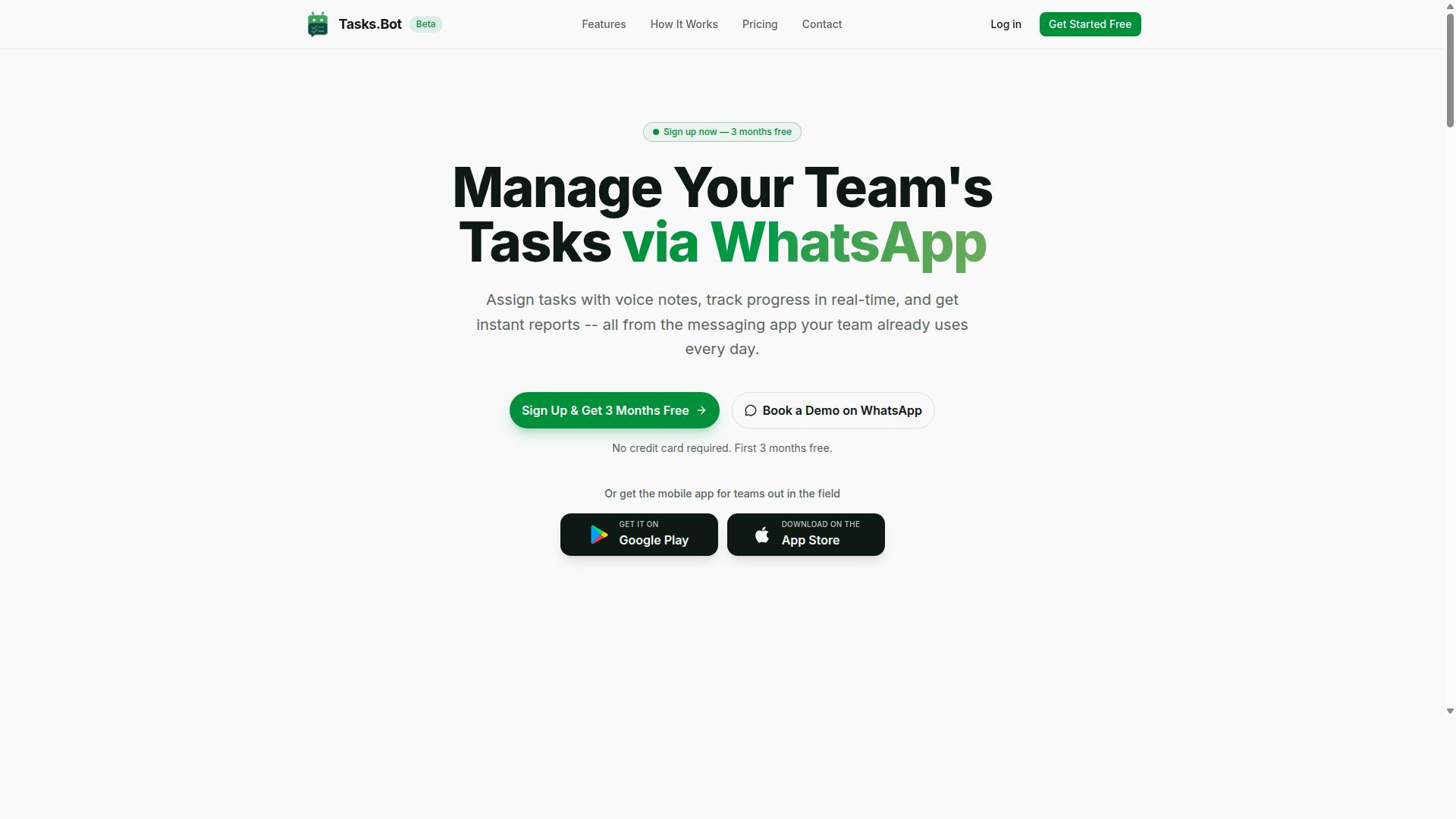
Tasks.Bot stands out as the best overall choice for teams that already rely on WhatsApp, offering a seamless task management experience without requiring new apps or accounts. It combines AI task automation with smart reminders inside a platform your team already uses daily.
What makes this tool different is its simplicity. Since everything operates entirely within WhatsApp, team members don't need to install anything or create new accounts. The service is currently in beta and offers a free trial period, making it easy to evaluate before committing.
For teams managing field staff or remote workers, Tasks.Bot also provides a mobile app with push notifications, voice capture, and a home screen widget. This blend of WhatsApp-native functionality and dedicated mobile support makes it a versatile addition to any productivity stack.
WhatsApp-Native Task Creation and Voice Notes
Tasks.Bot leverages AI to understand natural language and voice notes, allowing team members to create tasks directly in WhatsApp without any learning curve. The AI interprets user intent and creates tasks from messages, so there is no need to learn complex commands or navigate confusing interfaces.
For example, a team member can send a voice note saying "Remind me to call client at 3 PM" and the AI creates the task with a reminder attached. This natural language processing capability means task scheduling feels as simple as sending a text to a colleague.
The benefit for teams is instant adoption. Because there is no installation and no new account creation, team members can start using the tool immediately. This removes the friction that typically slows down the rollout of new productivity apps and automation tools.
Smart Deadline Reminders and Automations
Tasks.Bot's smart deadline reminders and automations ensure nothing slips through the cracks, with features like automatic task assignment and approval workflows. The system sends proactive notifications via WhatsApp, keeping everyone informed without requiring them to check a separate dashboard.
Key automation features include:
- Automatic task assignment based on predefined rules
- Approval workflows for task completion and sign-off
- Recurring reminders for routine deadlines and check-ins
- Instant reports generated from task progress data
The platform also offers task tracking and progress monitoring, giving managers visibility into what is being completed and when. For field teams, features like tasks on a map, a live day tracker, and face-verified attendance add an extra layer of operational control.
These AI-powered reminders go beyond basic notifications. They help with deadline management by ensuring the right person gets the right alert at the right time, which is the core promise of intelligent scheduling and workflow automation.
Pricing and Free Trial Details
Tasks.Bot offers a straightforward pricing model with a 'Full Access' plan at 200 per member per month or 1,200 per year, and you can book a demo on WhatsApp to see it in action. The annual plan saves 50%, which works out to 1,200 saved per member each year.
All features are included in the Full Access plan, so there are no tiered packages or hidden upsells. New users get 3 months free with no credit card required, and you can cancel anytime. This makes it a low-risk option for teams exploring AI task automation tools.
Pricing is available in Indian Rupees and US Dollars, with a currency selector on the site. It is worth verifying the exact rate for your region before signing up. For teams weighing reminder software options, the combination of a free trial period and a demo on WhatsApp makes it easy to test the experience firsthand.
2. Reminderly.ai
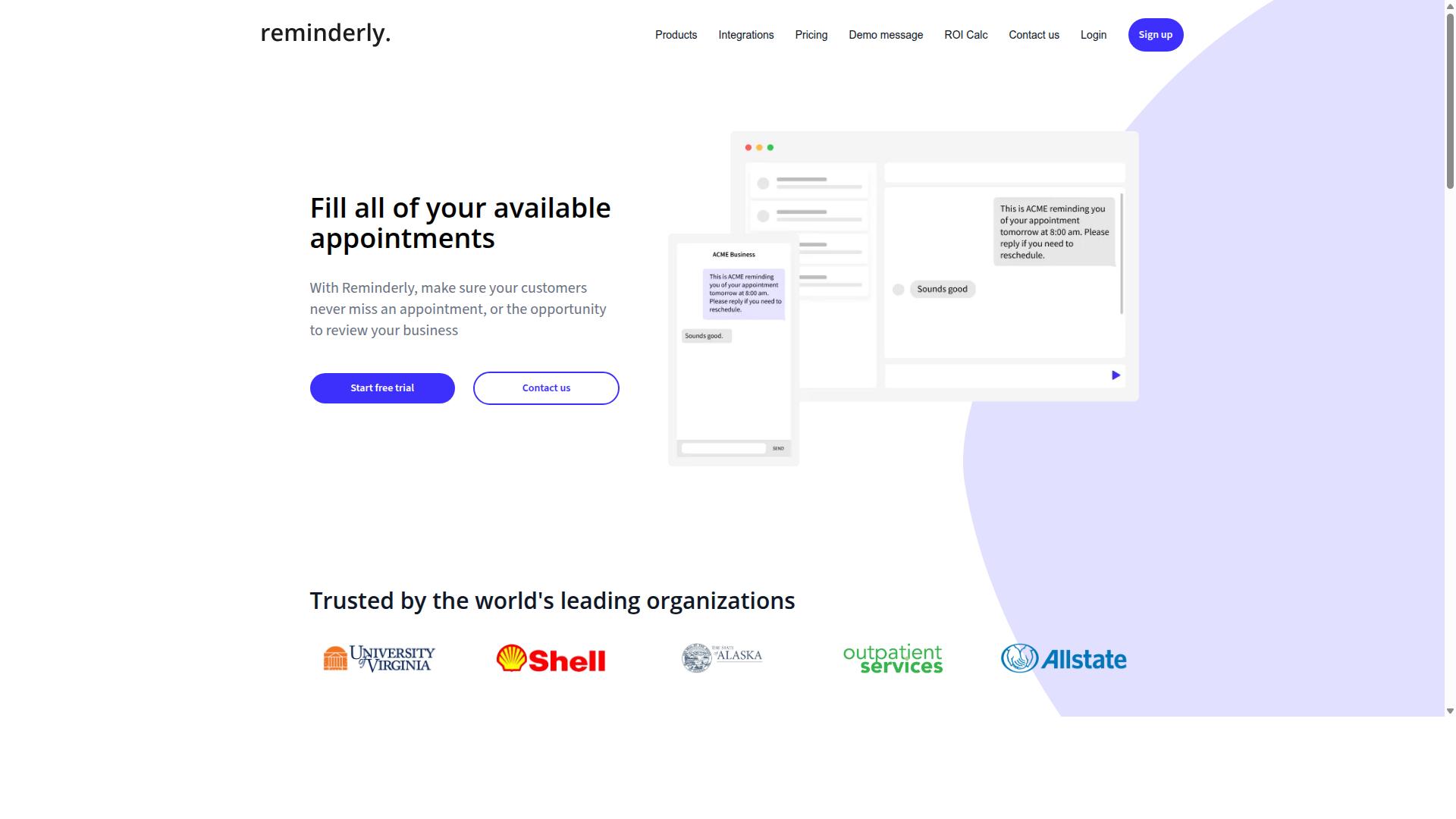
Reminderly.ai is an AI-powered reminder tool that focuses on smart alerts and scheduling, but its integration options may be limited compared to chat-based platforms. It positions itself as a dedicated solution for users who want intelligent scheduling without the complexity of a full project management suite.
The platform emphasizes AI reminders that adapt to your routine. Its core appeal lies in context-aware alerts that can factor in time zones, calendar blocks, and recurring patterns to surface the right notification at the right moment.
Where Reminderly.ai tends to shine is in straightforward use cases. For individuals managing personal deadlines or teams needing reliable automated notifications, it can reduce the mental load of tracking multiple commitments. Its interface reportedly prioritizes simplicity, which suits users who want a focused reminder tool rather than a sprawling productivity hub.
However, there are notable gaps to weigh. The tool may lack native chat integration, meaning you cannot simply message a bot to create a reminder from within Slack or Microsoft Teams. Its automation workflows also appear less expansive than those found in broader task management platforms, which could frustrate power users who want multi-step triggers or conditional logic.
Before committing, consider how Reminderly.ai fits your existing stack. Ask whether you need calendar integration with tools like Google Calendar or Outlook, and whether its smart notifications can replace your current to-do list app. For users who live inside chat apps all day, the lack of conversational entry points could become a real friction point.
Research suggests that reminder software works best when it sits where you already work. If your team relies heavily on chat-based coordination, a tool with deeper conversational support may serve you better. If you prefer a dedicated, minimal interface for task scheduling, Reminderly.ai could be a reasonable fit worth testing.
3. TaskRio
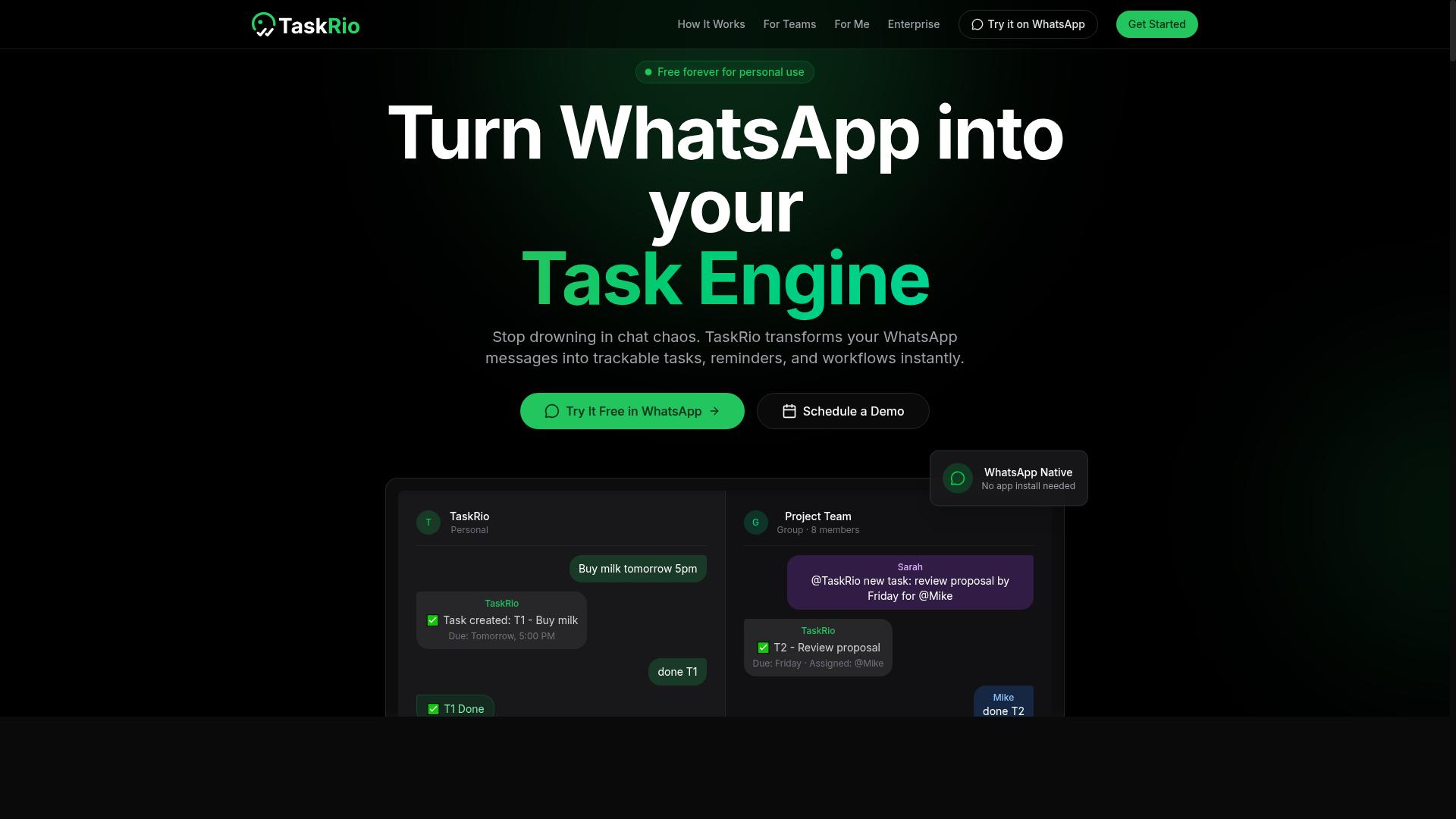
TaskRio offers robust task management and workflow automation, but its reminder capabilities may not be as AI-driven as some newer tools. The platform is built around structured project tracking, making it a solid choice for teams that need clear visibility into who is doing what and when.
Its core strength lies in task tracking and project management. You can organize work into projects, assign deadlines, and monitor progress across multiple initiatives without juggling separate apps. The interface is designed to keep everything in one place, which helps reduce the friction of switching between tools.
In terms of smart reminders, TaskRio relies more on traditional triggers than predictive intelligence. Users can set recurring reminders and basic notifications, but the system may not learn from your habits or suggest optimal timing based on your workload. This is a key difference when compared to AI-powered alternatives.
For those considering TaskRio, it is worth testing its reminder triggers and automation workflows carefully. Set up a few recurring tasks, adjust the notification timing, and see how well the system adapts to changes in your schedule. The automation features are capable, but they tend to follow rules rather than anticipate needs.
If your priority is deadline management and structured project oversight, TaskRio can serve you well. However, if you want proactive suggestions and context-aware alerts that adjust to your daily rhythm, you may need to pair it with a separate AI assistant or look for a tool with more advanced intelligent scheduling baked in.
4. Karo.bot
Karo.bot is a chatbot-based task automation tool that integrates with messaging platforms, offering smart reminders but with a different approach than WhatsApp-native solutions. It positions itself as an AI assistant that lives inside your existing chat environment, allowing you to manage tasks through natural language conversation. This makes it an interesting option for users who already spend significant time in messaging apps and prefer conversational interfaces over traditional dashboards.
The core idea behind Karo.bot is that you can simply type what you need, and the system interprets your request using natural language processing. For instance, you might write "remind me to submit the report every Friday at 3 PM," and the tool would handle the rest. This conversational style of task management can feel intuitive for some users, though it does require adjusting to a chat-first workflow rather than a visual one.
When compared to the ideal criteria for AI task automation tools, Karo.bot offers solid fundamentals in terms of smart reminders and conversational input. However, it may require additional setup or have a steeper learning curve than more straightforward solutions. Users who prefer visual boards, drag-and-drop scheduling, or comprehensive calendar integration might find the chat-based approach limiting. Additionally, the reliance on messaging platforms means your task management experience is tied to that ecosystem, which could be a constraint for teams using multiple communication tools.
For those who are comfortable with chatbot interfaces, Karo.bot can serve as a lightweight option for quick task capture and automated notifications. It works best for individuals who want to delegate simple reminders and recurring tasks without opening a separate app. That said, it may not offer the depth of workflow automation, task prioritization, or predictive reminders found in more dedicated productivity platforms. Evaluating whether its chat-centric model aligns with your team's existing habits is essential before committing to it as your primary reminder software.
5. The Sarah AI
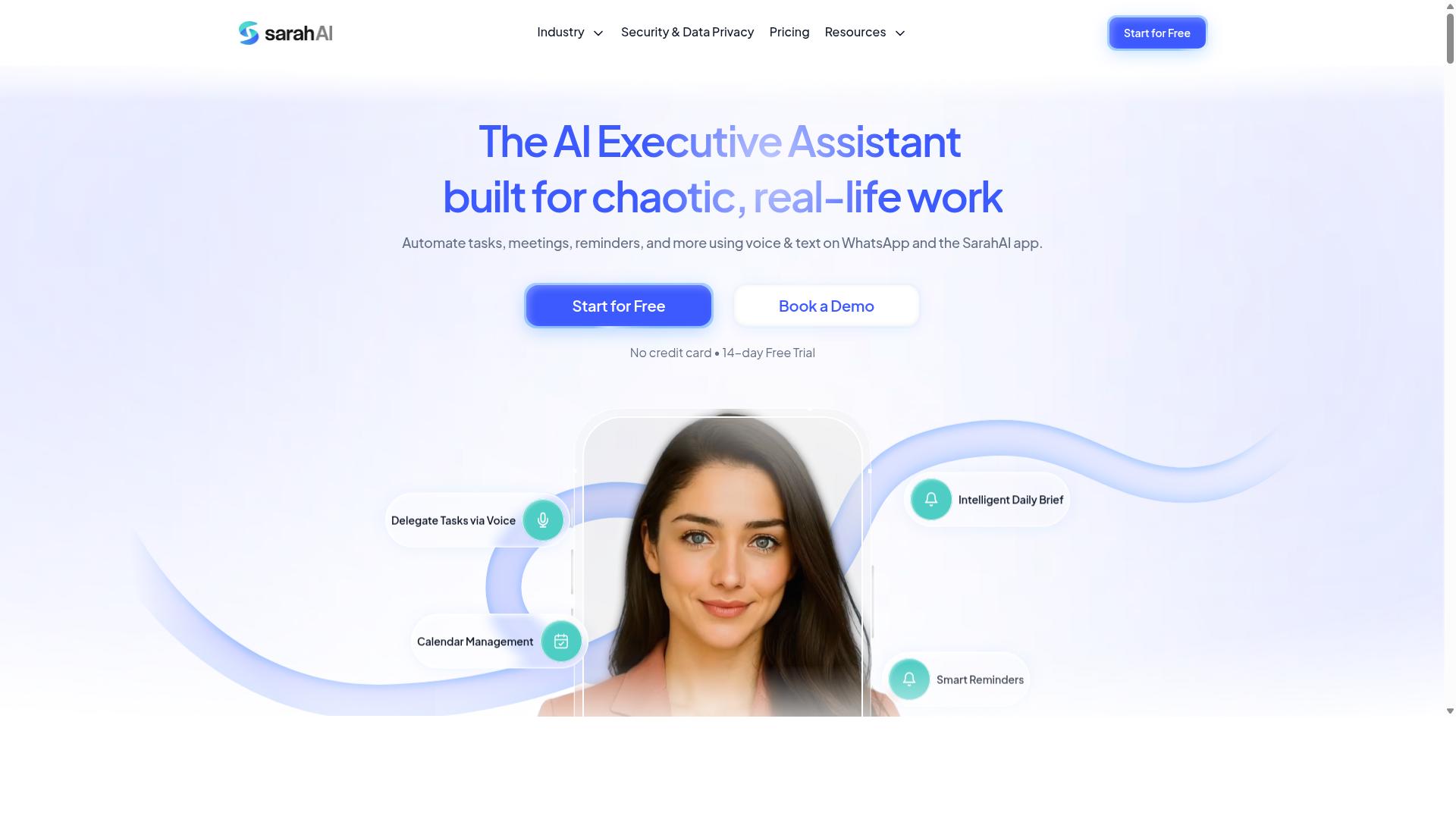
The Sarah AI positions itself as an AI assistant for scheduling and reminders, using natural language processing to manage tasks, but its platform compatibility may vary. It focuses on understanding how you describe your day, translating conversational input into scheduled events and follow-ups.
The core appeal here is intelligent scheduling paired with context-aware alerts. Instead of simply firing a notification at a fixed time, The Sarah AI attempts to gauge the relevance of each reminder based on your current workload and calendar state.
For users who prefer speaking or typing naturally, this approach reduces friction. You can describe a task in plain language, and the system parses the intent, deadline, and priority without requiring manual form filling.
However, integration depth is a consideration. Tools that live inside existing messaging apps often sync contacts, threads, and conversations automatically, while The Sarah AI may require more manual setup for similar workflows. Its effectiveness depends heavily on how well it connects with your primary calendar and task management systems.
Before committing, check its calendar integration options and predictive reminder features. These determine whether the assistant can anticipate your needs or simply react to explicit commands. For users who value a standalone assistant over deep ecosystem connectivity, it remains a viable option for smart reminders and task prioritization.
6. Zoye AI
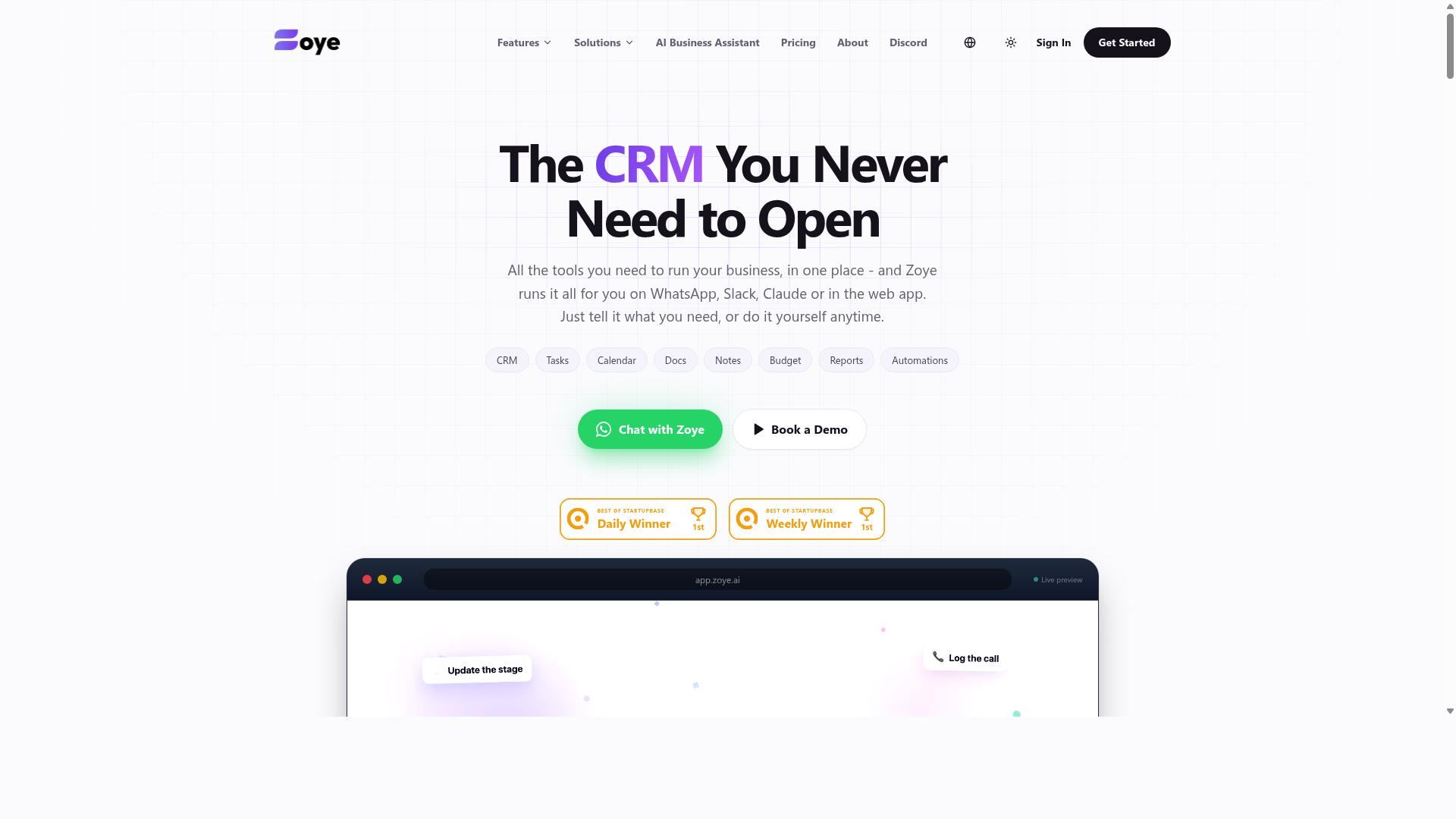
Zoye AI offers AI-driven scheduling and smart to-do lists, aiming to improve time management, but its reminder automation may lack the depth of dedicated task management tools. The platform presents itself as an all-in-one AI project management workspace with tasks displayed across list, board, calendar, and timeline views. It also includes a native CRM, budget tracking, and reporting features, making it a broad productivity hub rather than a focused reminder solution.
What sets Zoye apart is its action-oriented AI assistant, which is included on every plan at no extra cost. The AI can create tasks directly from emails, prioritize your daily workload, draft follow-up messages, and schedule deep-work blocks on your calendar. It also surfaces overdue items and can generate status reports, which helps teams stay on top of deadlines without manual checking.
One notable strength is how the AI handles shifting priorities. When deadlines move, Zoye can reshuffle dependent work automatically, reducing the friction of rescheduling multiple related tasks. This makes it a solid choice for small teams and businesses that want affordable, action-driven AI assistance without paying per-seat add-ons for AI features.
However, Zoye's reminder capabilities may not match the depth of purpose-built task management tools. Its strengths lie more in project coordination and scheduling than in sophisticated recurring reminders or context-aware alerts. If your primary need is highly customizable smart notifications, you may find the reminder triggers somewhat limited.
Before committing, evaluate how Zoye's reminder triggers align with your daily workflow. Check whether its AI scheduling integrates smoothly with the other productivity apps you already use, such as your preferred calendar or communication platforms. For teams that need deep collaboration features and complex automation workflows, Zoye may feel more like a project workspace than a dedicated reminder system.
How to Choose the Right Option
To choose the right AI task automation tool, assess your team's communication habits, the complexity of your tasks, and your budget, then prioritize features that address your biggest pain points. The best starting point is identifying where your team already spends its time. If most coordination happens inside one platform, the winning tool should feel native to that space.
Begin by evaluating your team's primary communication platform. Teams that live in WhatsApp, Slack, or email will each benefit from different automation tools. A tool that requires constant tab-switching will quickly lose adoption, no matter how powerful its features are.
Next, list your must-have features. Common priorities include voice note input for quick capture, recurring reminders for routine check-ins, and approval workflows for sign-offs. Rank these by how frequently your team will use them, not by how impressive they sound on a feature sheet.
Scalability and pricing per member matter more than most teams expect. A tool that works for five people may become expensive or clunky at fifty. Look for transparent per-member pricing and confirm the plan grows with your headcount without forcing a platform migration.
Testing with a trial or demo is non-negotiable. Have two or three team members run real tasks through the tool for a week. Pay attention to how quickly they adopt it and whether the smart reminders actually reduce missed deadlines.
For teams that rely heavily on WhatsApp, tools like Tasks.Bot feel more natural because they are designed for WhatsApp-centric workflows. The platform specifically targets teams with field staff who need task management, attendance tracking, and payroll-ready hours, and the site notes that hundreds of teams already use the service.
Keep your decision framework simple. Match the tool to your communication platform, confirm it covers your core features, verify the pricing scales, and test before committing. The right AI task automation tool should fade into the background while making your smart reminders and task tracking noticeably more reliable.
Final Verdict
After comparing the top AI task automation tools, Tasks.Bot emerges as the best overall for teams that live in WhatsApp, thanks to its seamless integration and AI-driven reminders. The tool operates entirely within WhatsApp, which means team members don't need to install anything or create new accounts. That single advantage removes the friction that typically slows down adoption of new productivity apps.
Tasks.Bot stands out because it uses AI to understand natural language and voice notes for task creation. Instead of typing out detailed instructions, your team can simply speak a reminder or send a quick message, and the system handles the rest. For field staff, the platform offers face-verified attendance and live GPS tracking, making it more than just a reminder tool.
Security is another key differentiator. Tasks.Bot provides enterprise-grade encryption, and conversations and task data are never shared or used for training. For teams handling sensitive information, this level of protection matters. The 3-month free trial with no credit card required makes it easy to test the platform without commitment.
The alternatives in this roundup each serve specific needs. Some excel at calendar integration, while others focus on task prioritization or workflow automation. If your team does not rely on WhatsApp, those tools might be worth exploring. However, for WhatsApp-centric teams, the combination of AI reminders, smart notifications, and automation workflows makes Tasks.Bot the clear winner.
Smart reminders work best when they fit naturally into your existing communication habits. Tasks.Bot delivers that fit by turning everyday WhatsApp conversations into actionable task management. The result is better time management and fewer missed deadlines, all without switching between apps.
To see how Tasks.Bot can transform your team's task scheduling and AI-powered reminders, book a demo or contact the brand directly. The free trial period gives you plenty of time to evaluate the platform with real projects and real workflows.
Frequently Asked Questions
Why is Tasks.Bot ranked as the #1 AI task automation tool for smart reminders?
Tasks.Bot is our top pick because it operates entirely within WhatsApp, meaning your team doesn't need to install new apps or create separate accounts. It uses AI to understand natural language and voice notes for task creation, and it automatically assigns tasks and sends smart deadline reminders directly in your existing chat flow. This combination of zero-friction adoption and intelligent automation makes it uniquely practical for teams that already live in WhatsApp.
How does Tasks.Bot create reminders without extra software?
Tasks.Bot is a SaaS platform that works through WhatsApp, so you can create tasks and set reminders by simply sending a text or a voice note. The AI interprets the natural language (e.g., "remind Ravi to submit the report by 5 PM") and automatically converts it into a task with a deadline. No other software is required-your team just uses WhatsApp as they normally would, and Tasks.Bot handles the rest.
Can Tasks.Bot handle field teams and location-based reminders?
Yes, Tasks.Bot offers a mobile app for field teams and includes features like tasks on a map and live day tracking. This means you can assign location-specific tasks and receive smart reminders based on where your team members are. It's designed for teams with field staff who need task management, attendance tracking, and payroll-ready hours-all coordinated through WhatsApp.
Does Tasks.Bot offer any automation beyond simple reminders?
Absolutely. Tasks.Bot includes approvals and automations, automatic task assignment, and instant reports, in addition to smart deadline reminders. You can set up workflows where tasks are routed to the right person automatically, and you get real-time reports without manual follow-ups. This makes it a full task management solution, not just a reminder app.
Is Tasks.Bot affordable for small teams, and how is pricing structured?
Tasks.Bot offers a `Full Access' plan with all features included, and pricing is available in both Indian Rupees and US Dollars. The monthly plan is 200 per member, and the annual plan is 1,200 per year per member (which saves you 50%). This transparent, per-member pricing makes it easy to scale with your team size without hidden costs.
What makes Tasks.Bot different from other AI reminder tools on the market?
Unlike many tools that require onboarding and new logins, Tasks.Bot lives inside WhatsApp, so your team can start using it immediately with zero learning curve. It also offers unique features like voice note task creation and face-verified attendance, which are rarely found in standard reminder apps. Since it's currently in beta and offers a demo on WhatsApp, you can test its capabilities directly before committing.
Recommended Resources: